Presentations have become the universal language of work and learning. From boardrooms to classrooms, we rely on slides to share ideas, persuade audiences, and tell stories. According to Microsoft estimates, over 30 million PowerPoint presentations are created every single day worldwide. That’s a staggering number—and yet, most people still struggle to make their decks look good and land with impact.
This is where the best AI presentation makers step in. An AI slides maker can take a topic, a document, or even just a sentence, and generate a structured presentation in minutes. Instead of fussing over slide layouts or wasting hours formatting, you get a professional draft instantly – leaving you more time to refine your message.
In 2026, these tools have matured. They’re not just novelties anymore; the top AI presentation makers now integrate branding, support team collaboration, and even create interactive experiences. I tested dozens of tools hands-on, and in this article, I’ll walk you through the 12 AI PowerPoint generators that impressed me most.
How I Evaluated the Tools
Each AI slideshow generator was reviewed based on:
- Who it is for / not for: Ideal users vs. misaligned use cases.
- Accuracy & content quality: How well it converts prompts into usable slides.
- Speed of generation: Time to a presentable draft.
- Free plan / credits: Whether you can really try before paying.
- Ease of use & learning curve: How quickly a new user can start.
- User-friendliness: Intuitive interface and navigation.
- Layout & design quality: Visual polish and consistency.
- Team collaboration: Multi-user editing and brand governance.
- Pricing transparency: Clarity of costs and upgrade tiers.
Key Takeaways: Best AI Presentation Makers
- SketchBubble AI: Best for professional, no-fuss corporate decks.
- Prezi AI: Best for storytelling and big-room presentations.
- Gamma: Best for modern, card-style pitch decks.
- Curipod: Best for teachers and interactive lessons.
- Canva AI: Best for marketers and teams with strong branding needs.
- Beautiful.ai: Best for enterprises needing consistent, on-brand decks.
- Genially: Best for interactive e-learning and marketing.
The 12 Best AI Presentation Makers (Hands-On Reviews)
1. SketchBubble AI (My Top Choice)
Overview:
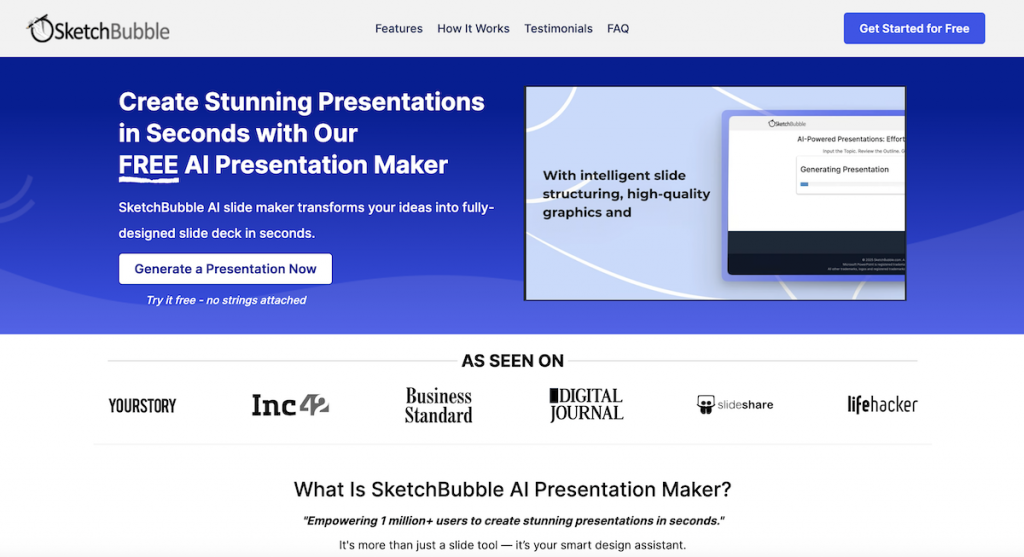
SketchBubble was long known for its professional template marketplace. Now, it has added an AI Presentation Maker that generates decks from a topic prompt or an uploaded PDF/DOC. Unlike some flashy tools, its output leans practical: clean, professional slides in PowerPoint or Google Slides format. It’s the best AI tool for PPT generation that focuses on reliability and polish rather than gimmicks, making it a good fit for business and consulting.
How it works:
a). Enter a topic or upload PDF/DOC.
b). Review Outline and select your desired layout style.
c). AI generates structured slides.
d). Export to PDF, PPTX or Google Slides (watermark-free).
Key Features:
- Topic + document-based AI generation
- Outputs editable PPTX and Google Slides
- Free watermark-free exports
- 500 AI credits included for new users
- Balanced mix of text and visuals
What it lacks:
- No interactive lesson tools
- Limited advanced animation options
Free plan:
500 credits for new users – enough for several full decks. Exports are watermark-free even on the free tier.
My take:
Of all the AI PowerPoint generators I tested, SketchBubble AI felt the most practical and dependable. It balances speed, accuracy, and design quality without forcing constant manual fixes. It won’t thrill creative teams, but for corporate professionals and trainers, it’s easily my top choice.
2. Prezi AI
Overview:
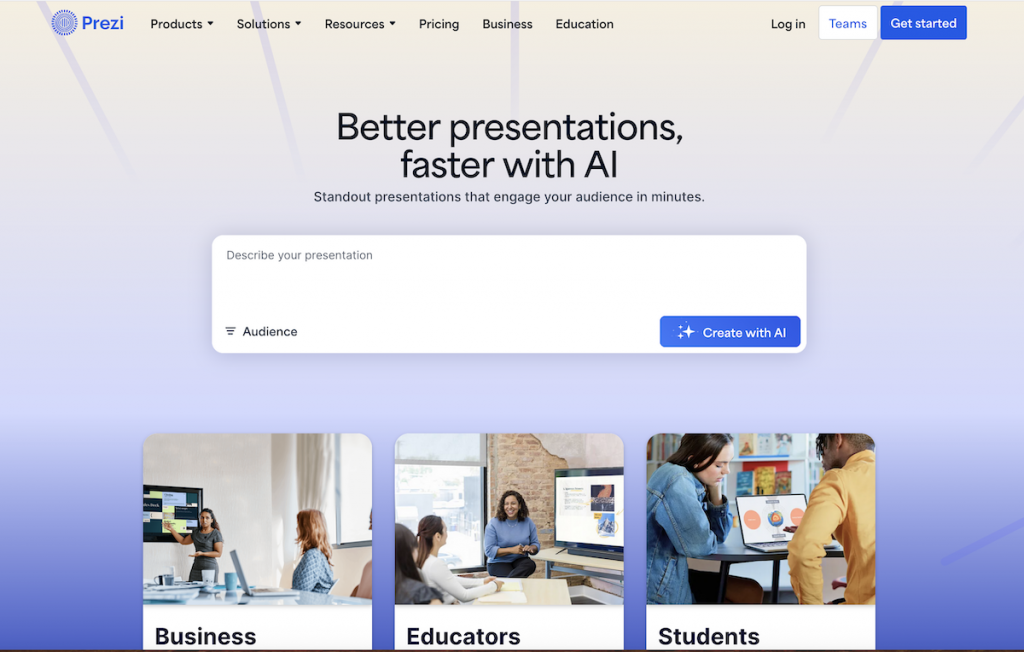
Prezi has always stood out for its zooming, non-linear storytelling style. With its AI upgrade, it now acts as an AI slideshow generator, creating narrative flows tailored to your audience type. The output is visually engaging and cinematic, making ideas feel connected through motion. It’s different from the usual slide-by-slide format, which can be refreshing or challenging depending on your audience.
How it works:
a). Input a topic.
b). Describe your audience type.
c). AI generates a zoom-based narrative presentation.
Key Features:
- Non-linear zoom flow
- Audience-based customization
- Cinematic storytelling format
- Template and media integration
What it lacks:
- Limited PPTX or Google Slides export support
- Steeper learning curve for linear thinkers
- Can overwhelm corporate audiences
Free plan:
Free tier available, though AI features are bundled with paid plans.
My take:
As an AI slides maker, Prezi AI is best for educators and keynote presenters who want to grab attention. For traditional business decks, the format may be less practical.
3. Gamma
Overview:
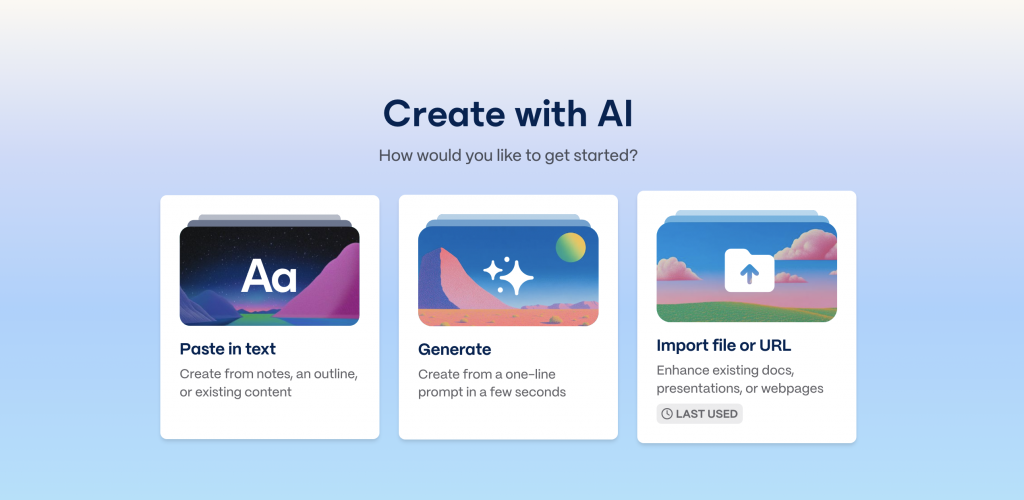
Gamma is a web-native AI slideshow generator that produces card-style presentations. Its design feels modern and minimal, with easy publishing options. The exports are flexible – you can download as PPTX or Google Slides, or publish your deck online as a microsite. It prioritizes clarity and simplicity, giving startups and creators a lightweight tool for pitches and proposals.
How it works:
a). Provide prompt or upload PDF/PPTX.
b). AI generates a card-based deck.
c). Export or publish.
Key Features:
- Card-first layouts
- PPTX, Google Slides, PDF exports
- Web publishing as microsite
- Clean themes and customization
What it lacks:
- Lacks deep interactivity (no polls, quizzes, or advanced animations).
- The card-style format may feel restrictive for users who prefer traditional slide decks.
- Limited advanced design control — layouts are clean but less customizable than Canva or PowerPoint.
Free plan:
Free tier with usage credits; more with paid plans.
My take:
Gamma feels like a next-gen AI PPT maker – light, stylish, and easy to use. It’s perfect for startup pitches, though not as feature-rich for enterprise teams.
4. Curipod
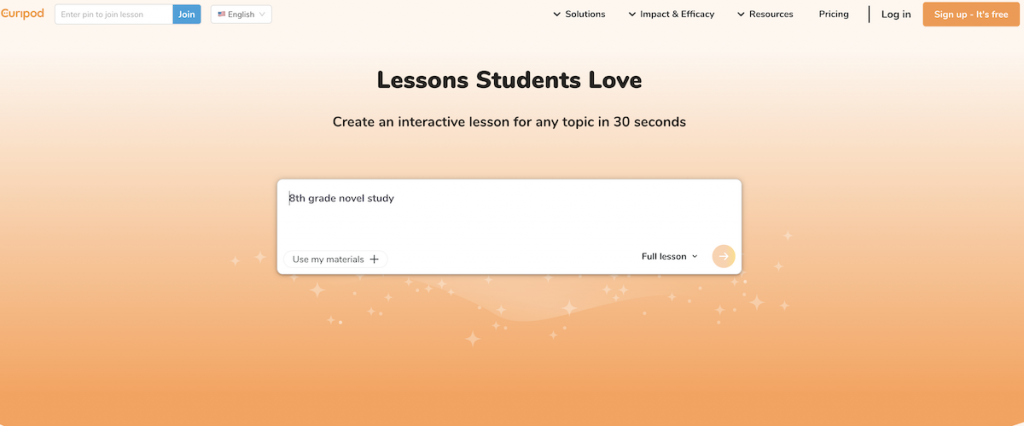
Overview:
Curipod is one of the top AI presentation makers for education. Instead of static slides, it produces lessons embedded with polls, quizzes, and word clouds. The focus is on engagement – students don’t just watch; they interact. Design is simple, but the interactivity makes it stand out in classrooms and workshops.
How it works:
a). Enter lesson topic.
b). AI creates interactive slides.
c). Present live with student responses.
Key Features:
- Polls, quizzes, and interactive drawings
- Student response features
- “Curify my Slides” for existing decks
- Education-focused design
What it lacks:
- Weak for corporate decks
- Limited design variety
- PPTX export options are basic
Free plan:
Free plan with daily credit caps.
My take:
As an AI slideshow generator, Curipod shines in K–12 and training environments. It’s less relevant for business but invaluable for teachers.
5. Canva AI Presentation Maker
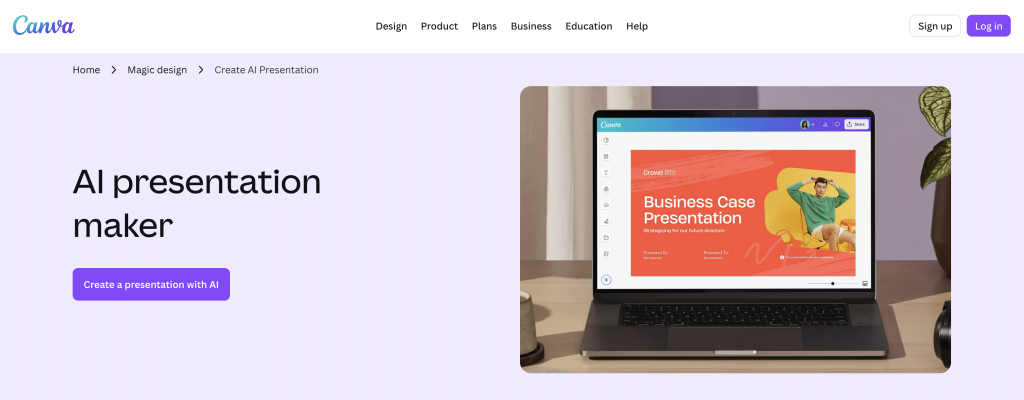
Overview:
Canva’s Magic Design is among the most popular AI presentation generators. It drafts branded decks that integrate seamlessly with Canva’s huge template and asset library. The result is polished, with multi-format export options like PPTX, PDF, video, or even websites. For teams already using Canva, this AI slides maker fits naturally into the workflow.
How it works:
a). Enter description or select theme.
b). AI drafts slides with Magic Design.
c). Apply Brand Kit and export.
Key Features:
- Brand Kit integration
- Rich template and asset library
- PPTX, PDF, video, website export
- Collaboration features
What it lacks:
- Free AI credits limited
- Can feel heavy for simple decks
- Some AI text feels generic
Free plan:
Yes; Pro unlocks more credits and branding.
My take:
Canva is one of the best AI presentation makers for marketing and design teams. It’s broad, flexible, and team-friendly, but overkill for individuals needing quick decks.
Visit Canva AI Presentation Maker
6. Simplified AI Presentation Maker
Overview:
Simplified offers a fast, no-frills AI PPT maker. It generates branded decks quickly, focusing on clarity and speed rather than deep design customization. For small teams or startups, it’s efficient and easy to use, but the design variety is narrower compared to Canva.
How it works:
a). Enter topic.
b). AI drafts deck.
c). Edit/export PPTX or PDF.
Key Features:
- Branded template drafts
- Fast AI generation
- PPTX/PDF exports
- Team editing options
What it lacks:
- Limited creative layouts
- Few advanced transitions
- Free plan usage is capped
Free plan:
Yes, with limited credits.
My take:
Simplified is a lightweight AI PowerPoint generator. Best for startups and small teams who need something quick without heavy design features.
7. Beautiful.ai
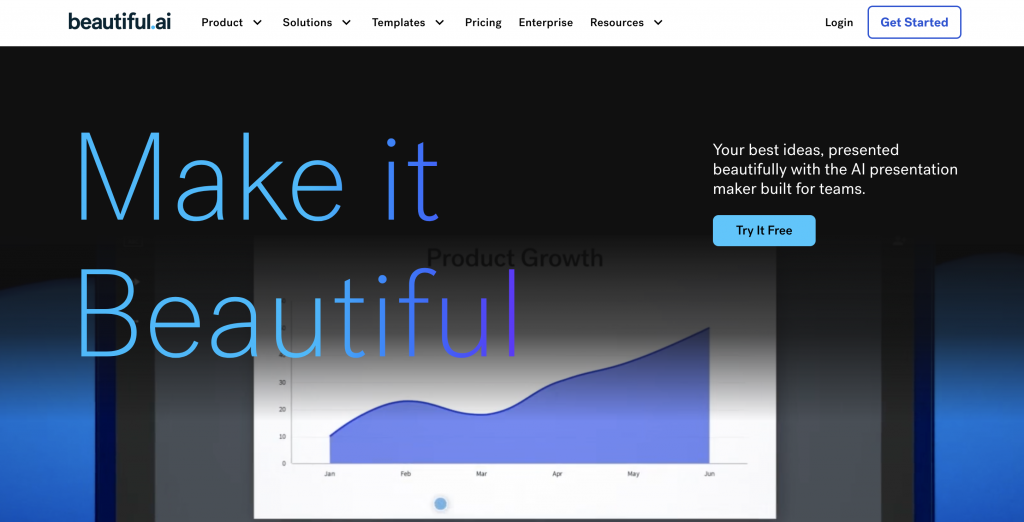
Overview:
Beautiful.ai is a business-focused AI slides maker. It uses Smart Slides to ensure layouts always look consistent, no matter what you add. Its AI assistant helps draft decks quickly, but the emphasis is on uniformity rather than creativity. The exports are dependable, and it integrates with enterprise workflows.
How it works:
a). Input prompt.
b). AI builds deck with Smart Slides.
c). Export/import PPTX or present offline.
Key Features:
- Smart Slides automation
- DesignerBot AI generation
- PPTX import/export
- Analytics and collaboration
What it lacks:
- Creative design flexibility
- Free tier is just a trial
- Content can feel generic
Free plan:
14-day trial; subscription required afterward.
My take:
Beautiful.ai is one of the top AI presentation makers for corporate teams. It’s not flashy, but it ensures professional, reliable output every time.
8. Sider AI
Overview:
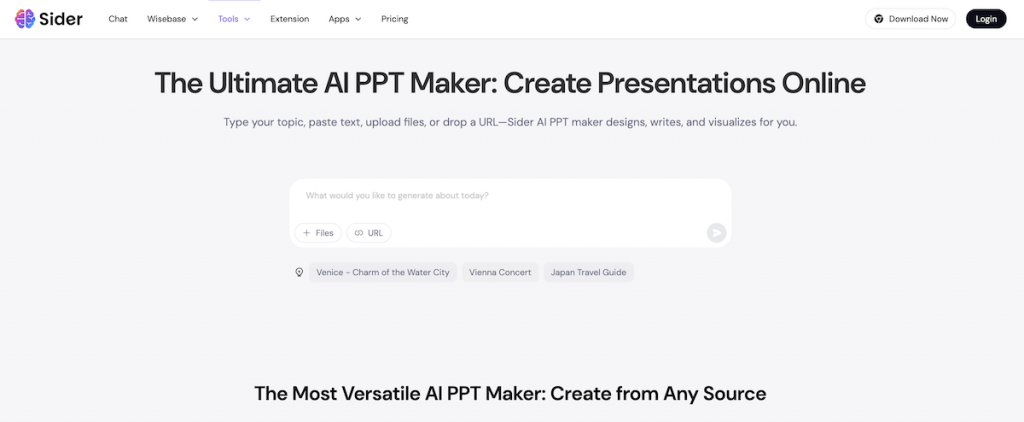
Sider AI works best as an AI PowerPoint generator for researchers. Upload a PDF, DOC, or URL, and it condenses content into slides. The visuals are minimal, but the value lies in summarization. It’s practical for academic or analysis-heavy decks where information is the focus.
How it works:
a). Input prompt or upload document or URL.
b). AI summarizes into slides.
c). Export PPTX.
Key Features:
- Doc/URL to deck pipeline
- Content summarization
- Export to PPTX
- “Deep mode” for structured topics
What it lacks:
- Limited design polish
- No branding or collaboration tools
- Visuals are plain
Free plan:
Yes, with usage limits.
My take:
Sider AI is a straightforward AI slideshow generator. Best for students and researchers, less for design-heavy presentations.
Visit Sider AI Presentation Maker
9. PopAI
Overview:
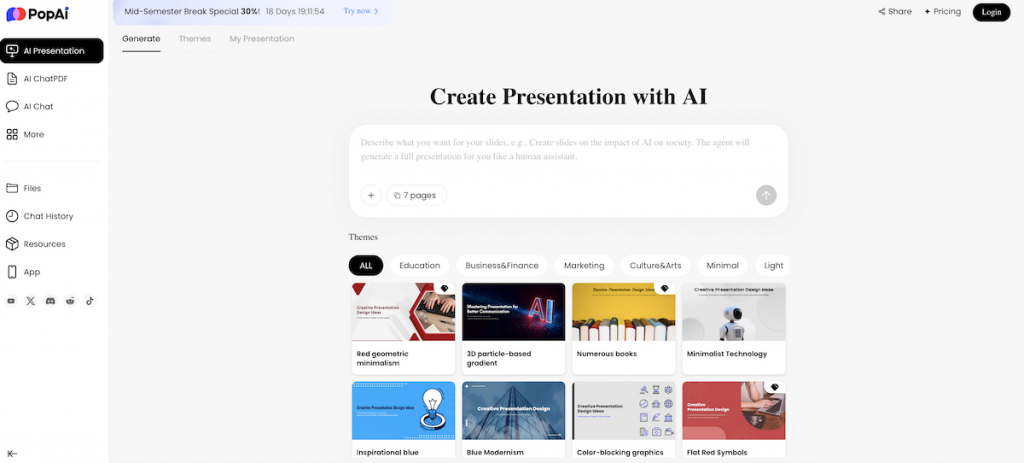
PopAI builds outline-driven decks that combine text and simple visuals. Its exports work with PowerPoint and Google Slides, making it flexible. The style is functional, not flashy, and suits everyday business or academic decks where clarity matters more than creativity.
How it works:
a). Enter topic or upload content.
b). AI drafts outline and visuals.
c). Export PPTX/Slides.
Key Features:
- Outline-first generation
- PPTX/Google Slides export
- Balanced text/visual slides
- Shareable links
What it lacks:
- Limited design customization
- Few animations or transitions
- Free usage is capped
Free plan:
Yes, with initial credits.
My take:
PopAI is a handy AI PPT maker for students and everyday business decks. Not fancy, but it gets the job done.
10. Chronicle
Overview:
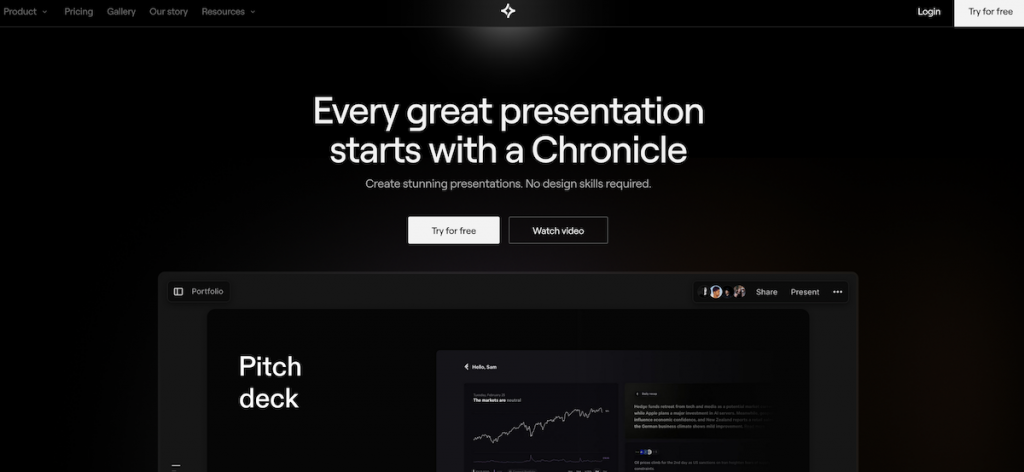
Chronicle focuses on aesthetics and narrative. It produces bold, designer-like decks, leaning toward visual storytelling. Its AI slides maker outputs feel premium, though export flexibility is limited. It’s suited for founders and creatives who want their deck to look high-end.
How it works:
a). Enter narrative/outline.
b). AI builds story-driven deck.
c). Refine design elements.
Key Features:
- Storytelling-focused layouts
- Strong visual design
- Premium templates
- Editing tools
What it lacks:
- Limited exports
- Minimal free access
- Less suited for simple decks
Free plan:
Small free tier; paid unlocks full.
My take:
Chronicle is a stylish AI slideshow generator. Great for startups and designers, less so for routine corporate work.
11. Genially
Overview:
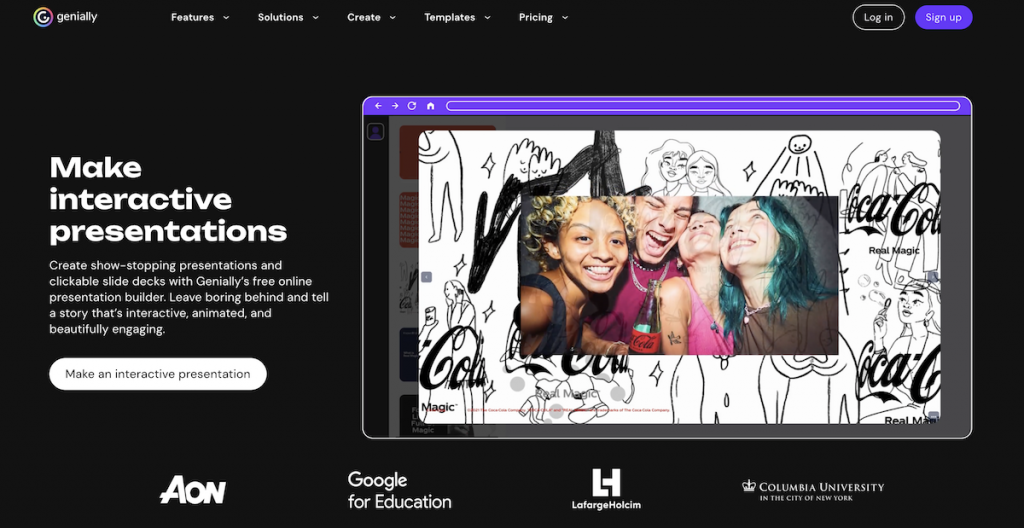
Genially creates interactive, multimedia-rich presentations. Its AI adds animations, images, translations, and even voiceovers. The result feels more like an interactive website than a traditional deck. While great for training and marketing, it can feel overwhelming for formal contexts.
How it works:
a). Choose template/topic.
b). AI enhances with visuals, animations, voiceovers.
c). Export or share online.
Key Features:
- Interactive slides
- AI visuals and translations
- PDF/MP4 export
- Online sharing and embedding
What it lacks:
- Limited PPTX support
- Watermarks in free plan
- Can feel feature-heavy
Free plan:
Yes; paid removes watermark.
My take:
Genially is one of the best AI presentation makers for e-learning and interactive marketing. For simple decks, it’s more than you need.
Visit Genially AI Presentation Maker
12. Zoho Show (Zia AI)
Overview:
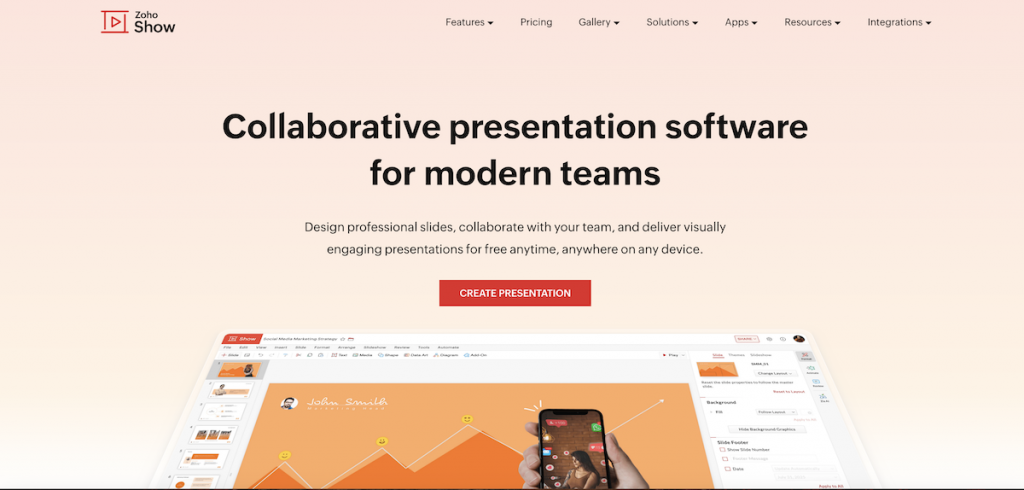
Zoho Show’s Zia AI generates presentations directly inside the Zoho ecosystem. It outputs safe, professional slides in PPTX or PDF. While not design-heavy, its strength lies in integration with other Zoho tools, making it practical for businesses already using the suite.
How it works:
a). Input topic.
b). Zia generates deck.
c). Edit and share in Zoho Show.
Key Features:
- Integrated with Zoho apps
- AI-generated slides and visuals
- PPTX/PDF exports
- Team collaboration
What it lacks:
- Conservative design style
- Weak outside Zoho ecosystem
- Fewer creative templates
Free plan:
Included with Zoho suite.
My take:
Zoho Show is a dependable AI PowerPoint generator for SMBs already using Zoho apps. For others, it may not stand out.
Final Word
The rise of AI slides makers has transformed how we build decks. Whether you need a quick AI PPT maker, a creative AI slideshow generator, or a team-ready AI PowerPoint generator, there’s now a tool that fits.
The best approach? Let AI handle structure and design, then refine it with your expertise. That way, your slides are not just fast – they’re impactful.