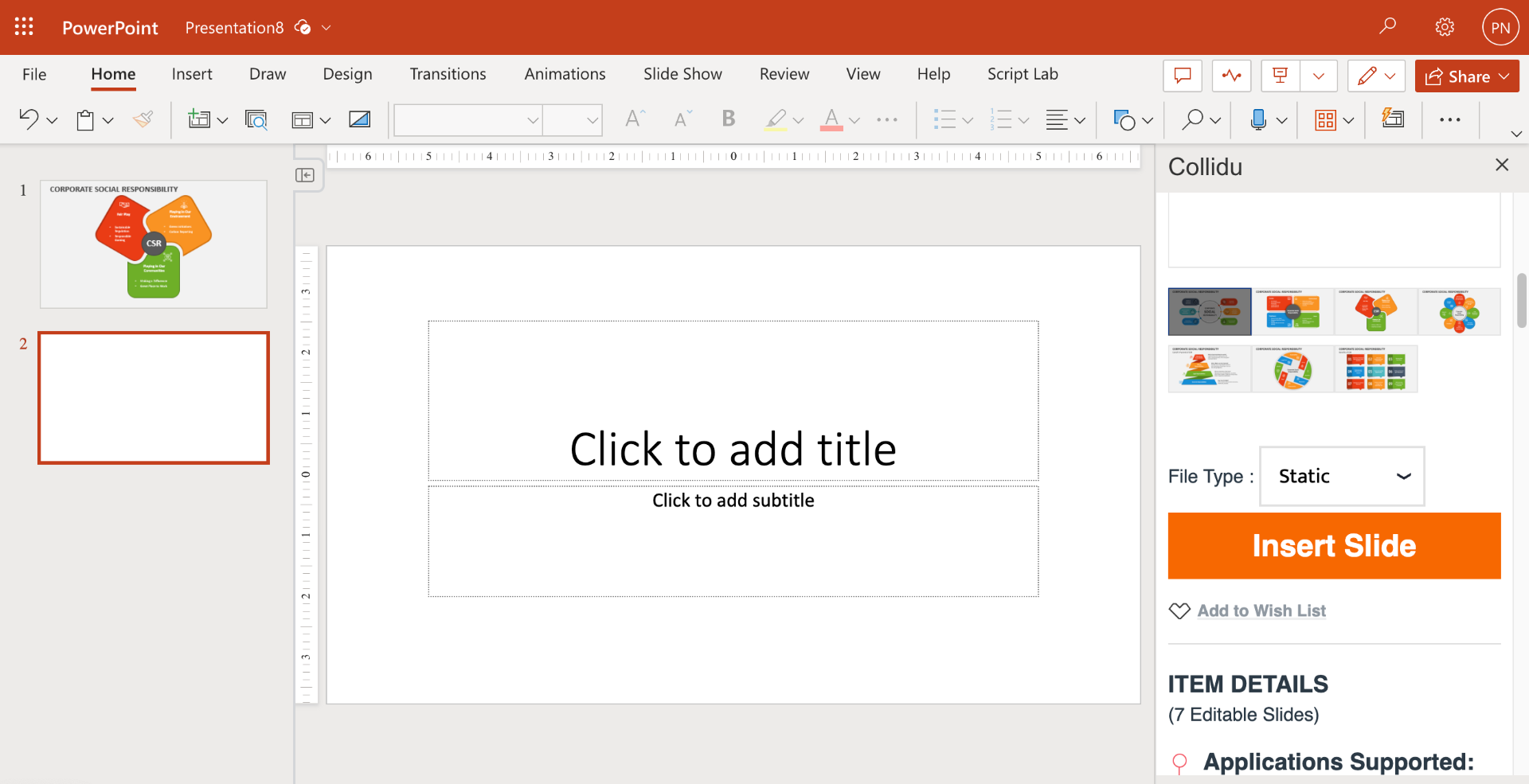
User Guide
Please, kindly note that in order to import slides, you are required to be logged in and possess an active Collidu membership. If you don't have an account, click here for FREE registration.
Follow the steps below to search for and import the desired slides to meet your specific needs.
Step 1: Open the PowerPoint project you're currently working on, and then click on the Collidu icon under Home tab.
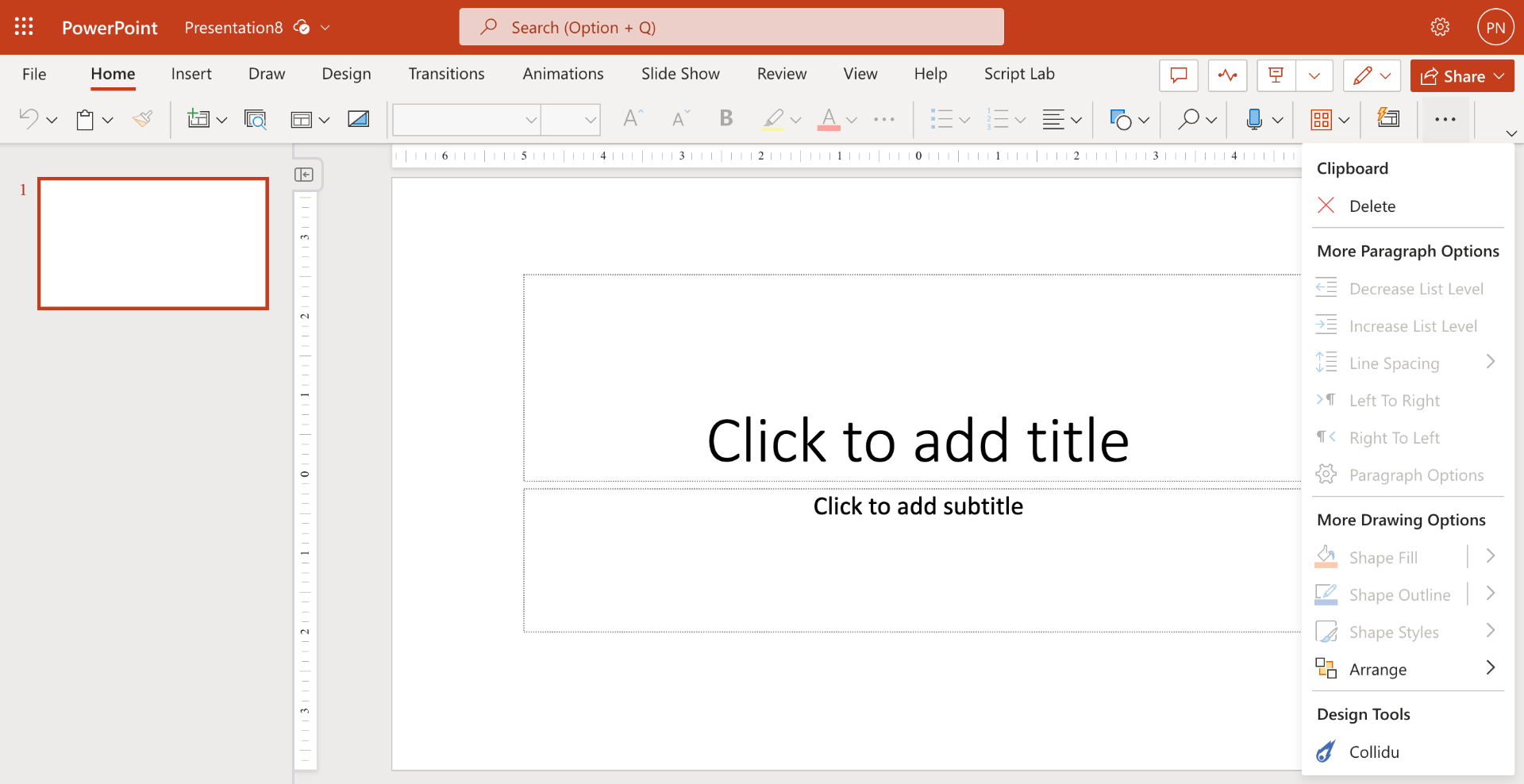
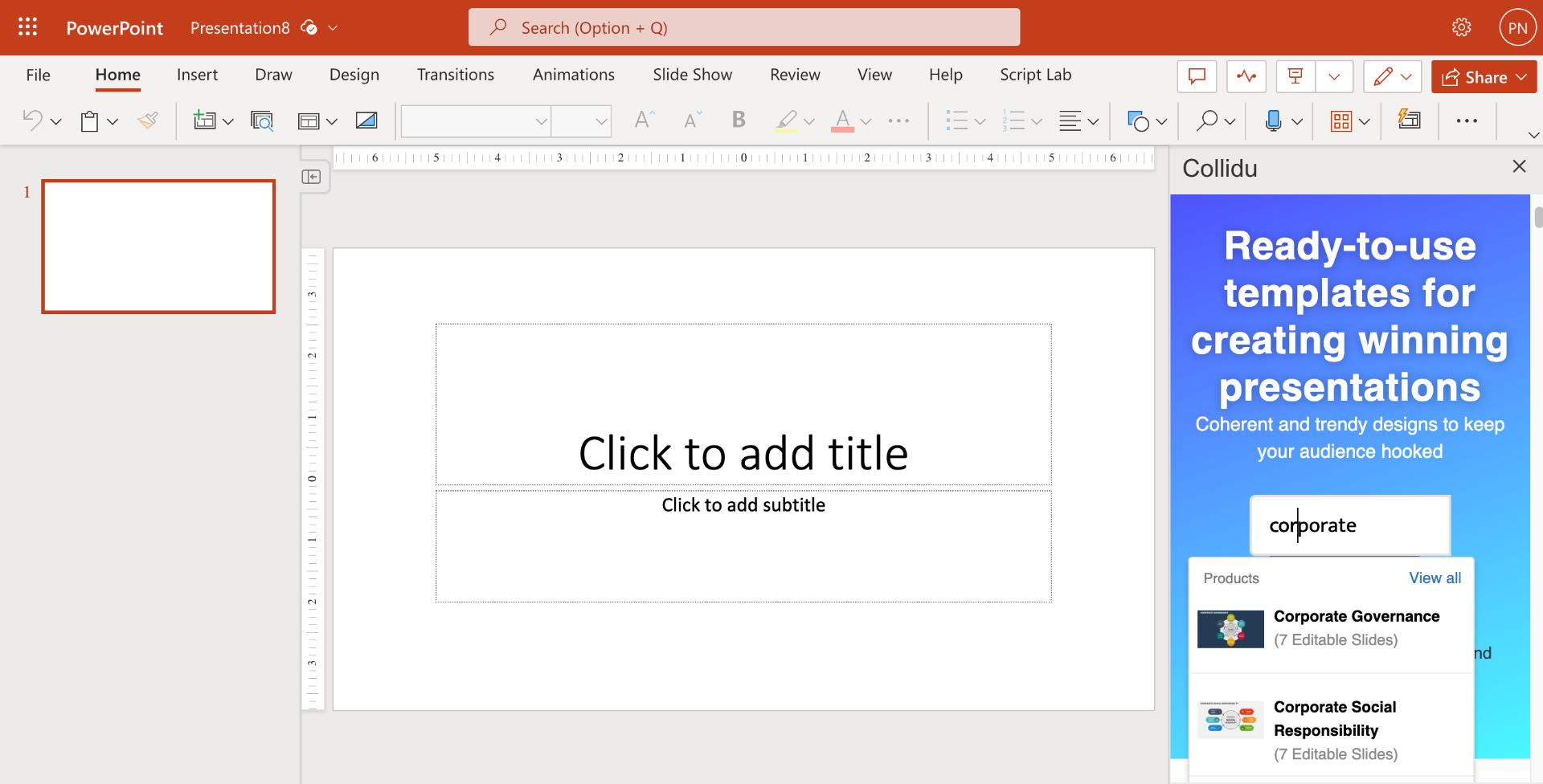
Step 2: The Collidu portal will load in the sidebar of the PowerPoint presentation you're working on. Here, you can browse and search for various available templates.
Step 3: Select the slide type (Static/Animated) and then click the "Import Slide" button. This action will open a pop-up window containing all the slides associated with the current template.
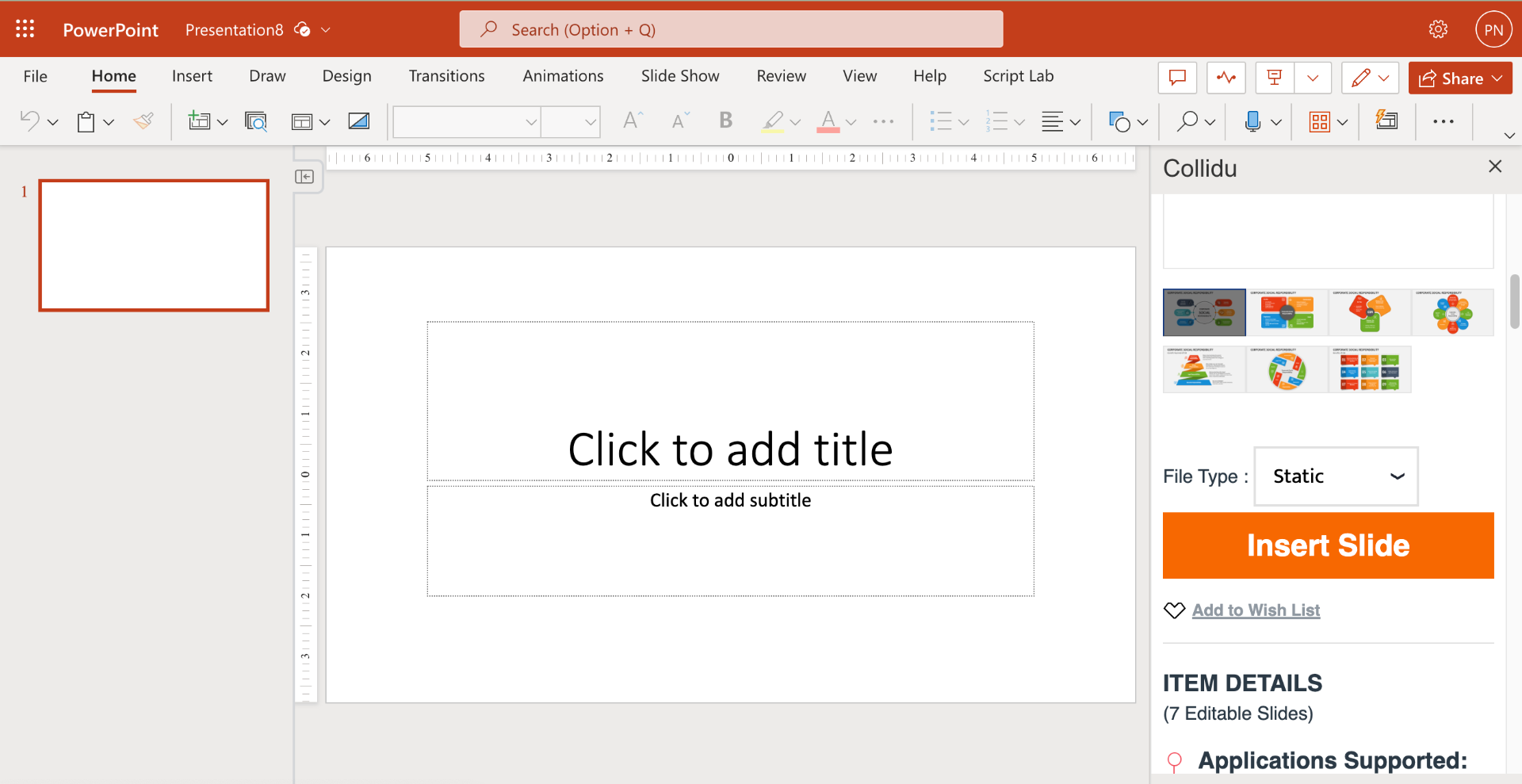
Clicking on Import button will ask you to login if you are not logged in!
Step 4: Click on the slide you wish to import.
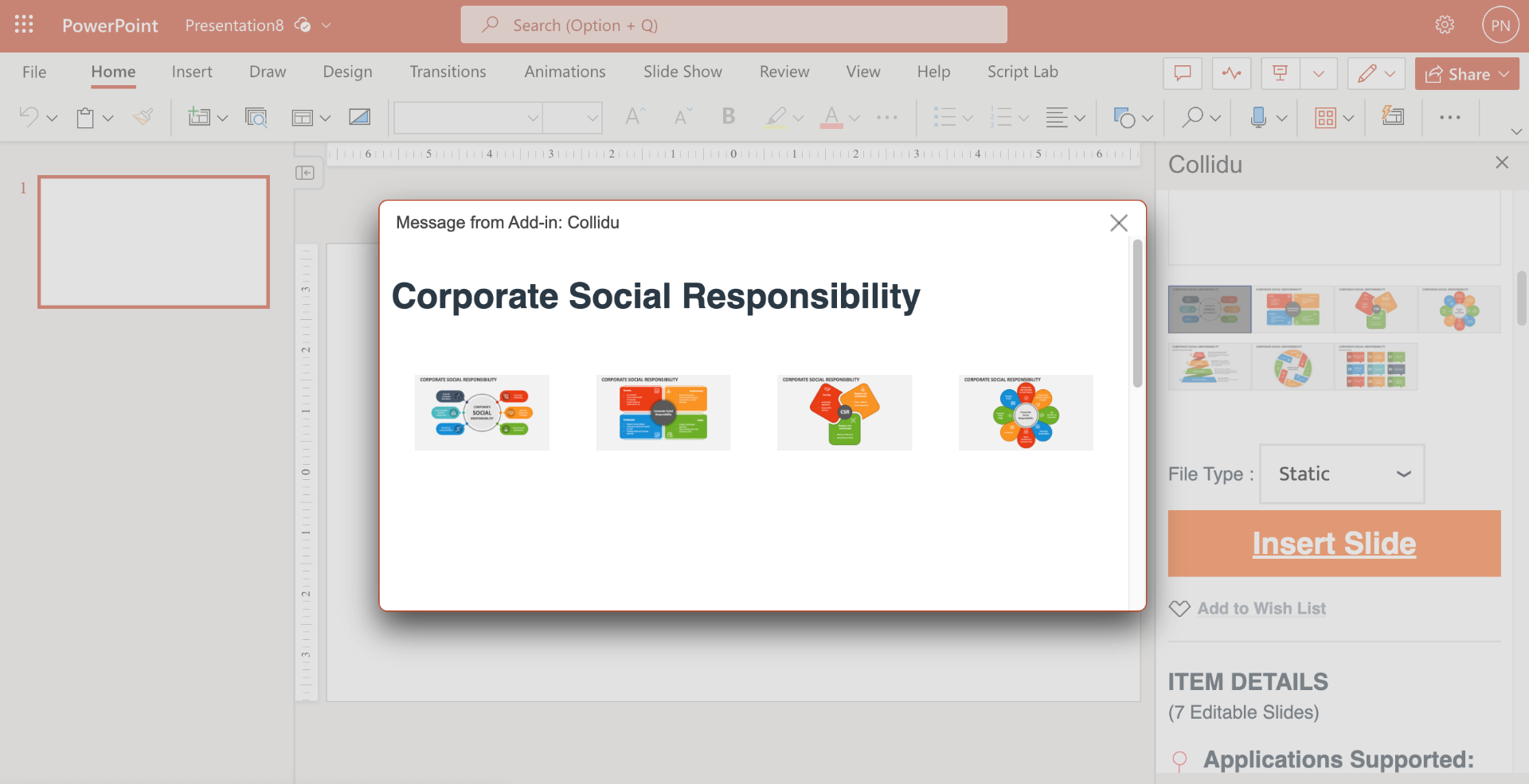
This action will import the chosen slide directly into the PowerPoint project you are currently working on.