




Approved Icons
In stock
$5.00
item details (1 Editable Slide)
- Applications Supported: PowerPoint, Google Slides
- File Type: .pptx, Google Slides
- Aspect Ratio:16:9 (Wide Screen)
- Animation: No
Approved Icons
Approved Icons
(1 Editable Slide)
Related Products










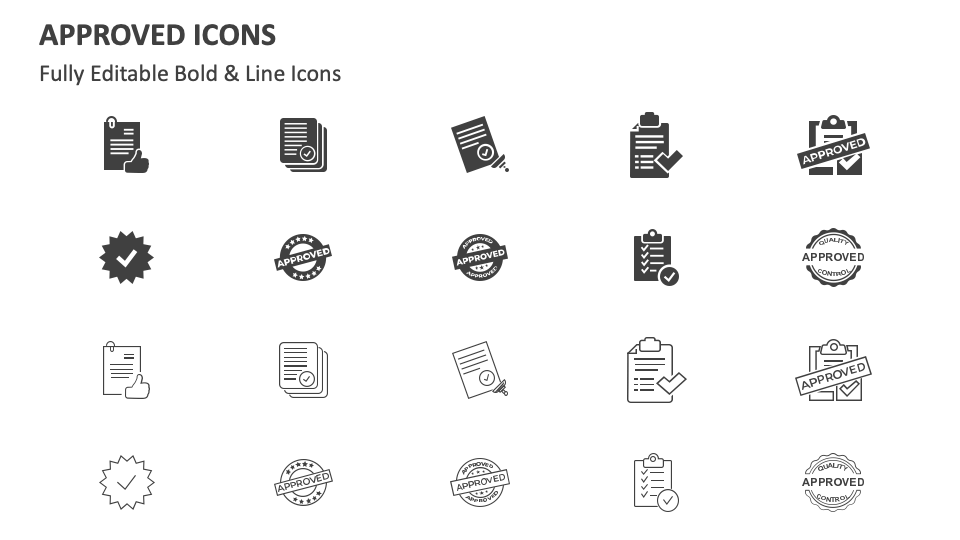
Download our Approved Icons for MS PowerPoint and Google Slides to increase the effectiveness of text about the common challenges in the approval process and how to overcome them, how approval processes impact governance efforts, and more. The slide boasts icons of an approved checklist, a stamp with an ‘APPROVED’ sign, etc.
`
Project managers can harness this icon set to add meaning to text about the step-by-step guide to getting a project approved. Product heads can use these icons to support information related to regulatory requirements for product approval. Bankers can use these icons to visually strengthen text about the loan approval workflow, key criteria for loan approvals, and more. Professors can add a layer of comprehension to content about steps to prepare grant proposals for approval.