




Continuous Integration
In stock
$5.00
item details (13 Editable Slides)
- Applications Supported: PowerPoint, Google Slides
- File Type: .pptx, Google Slides
- Aspect Ratio:16:9 (Wide Screen)
- Animation: Yes
Continuous Integration
Continuous Integration
(13 Editable Slides)


Related Products
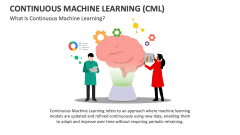

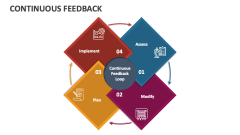
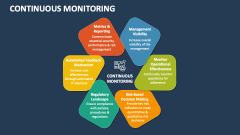
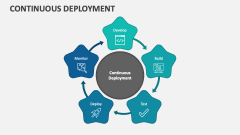
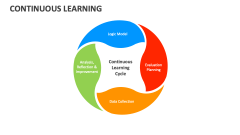
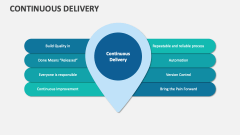

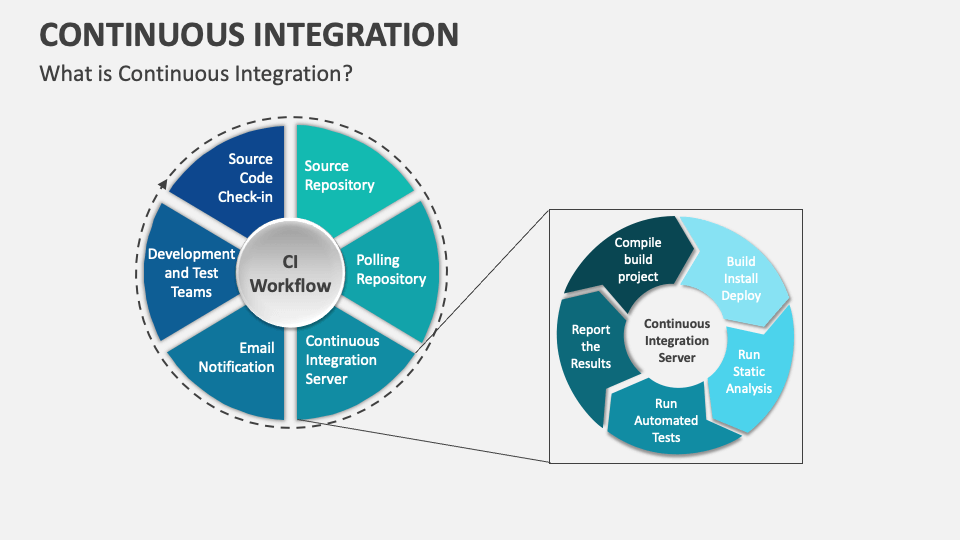
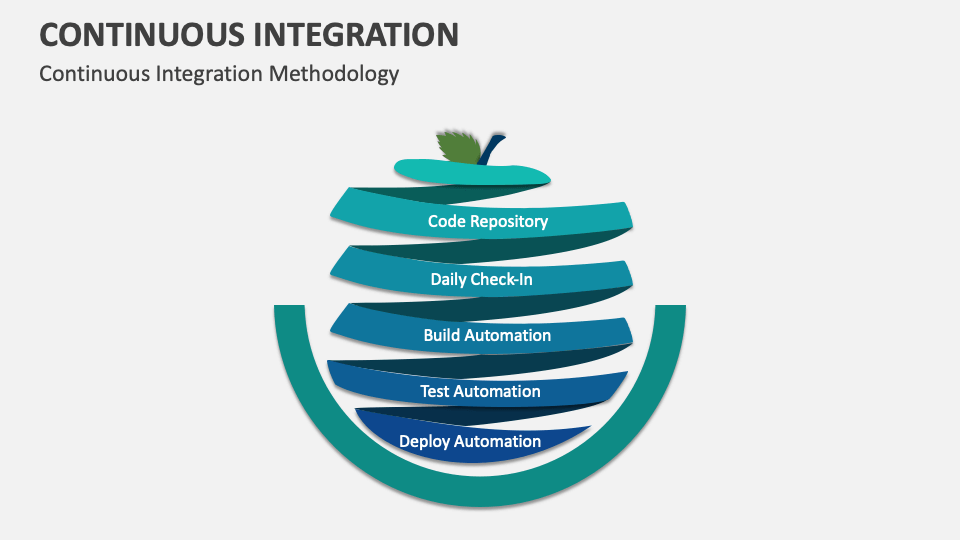
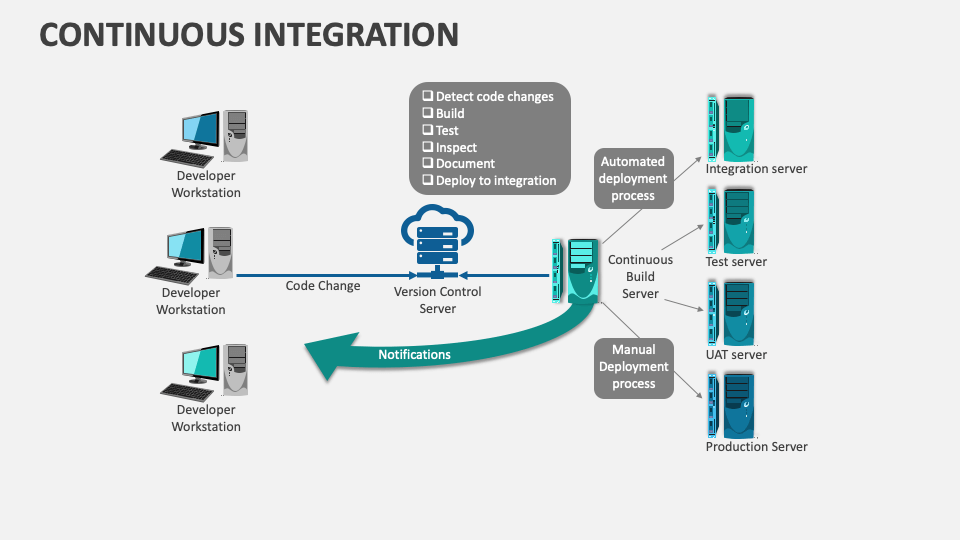
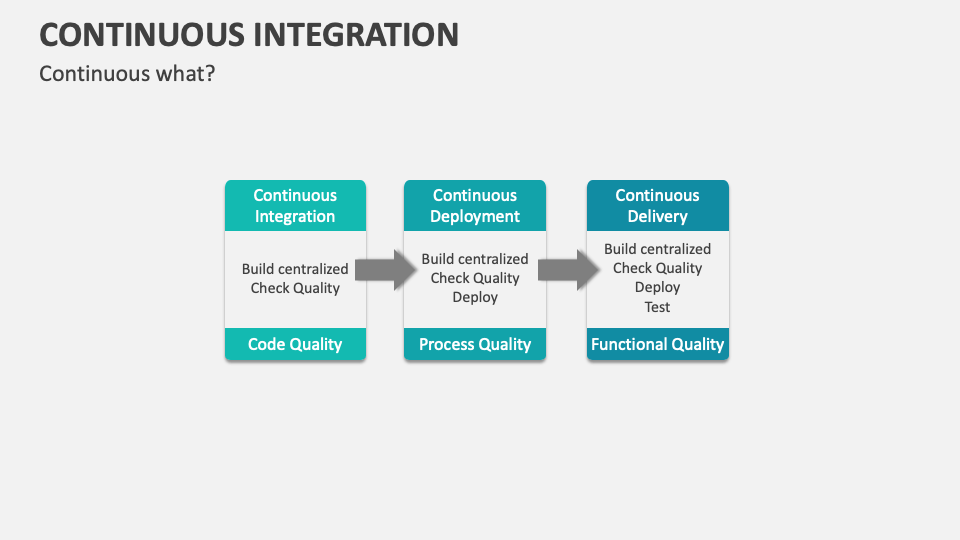
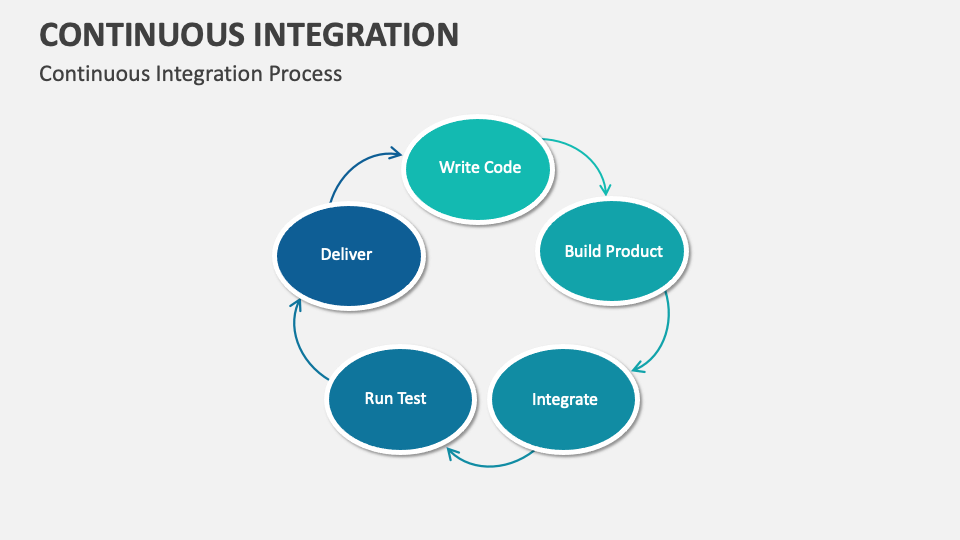
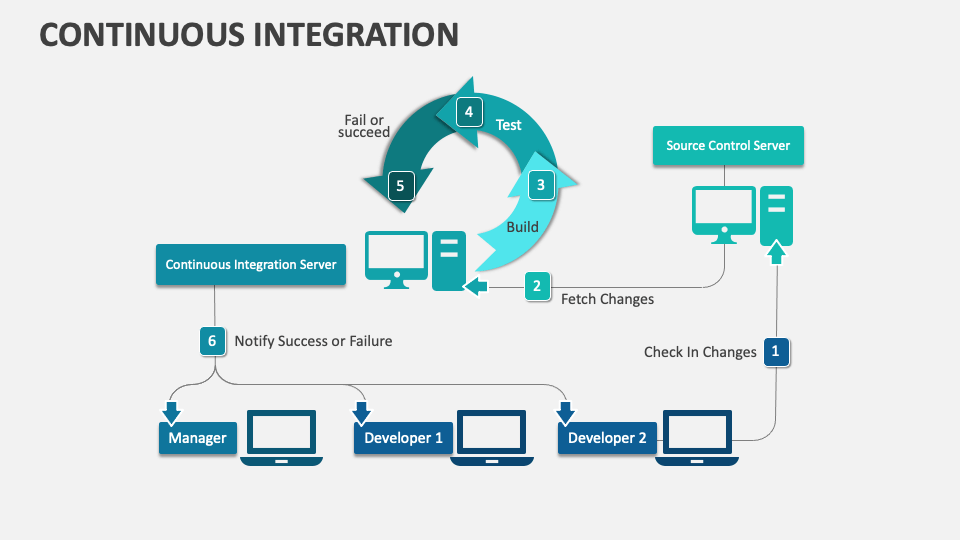
Get our Continuous Integration MS PowerPoint and Google Slides presentation template to showcase the software development practice where developers frequently integrate their code changes into a shared repository. The slides boast eye-pleasing visuals to drive audience engagement.
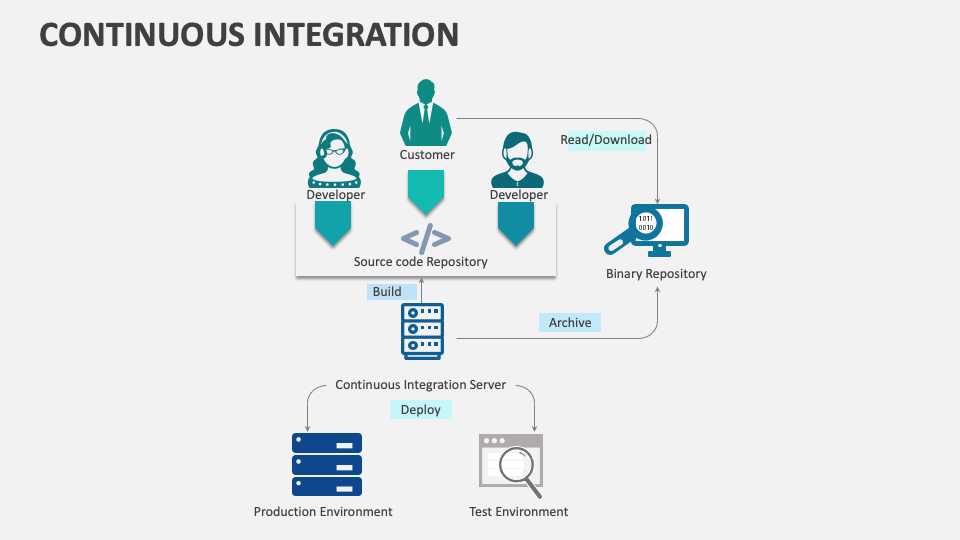
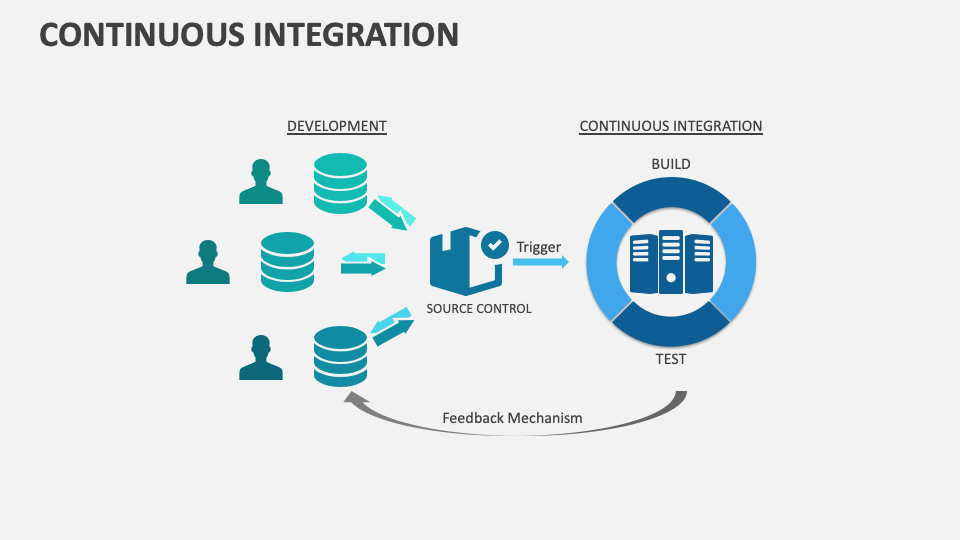
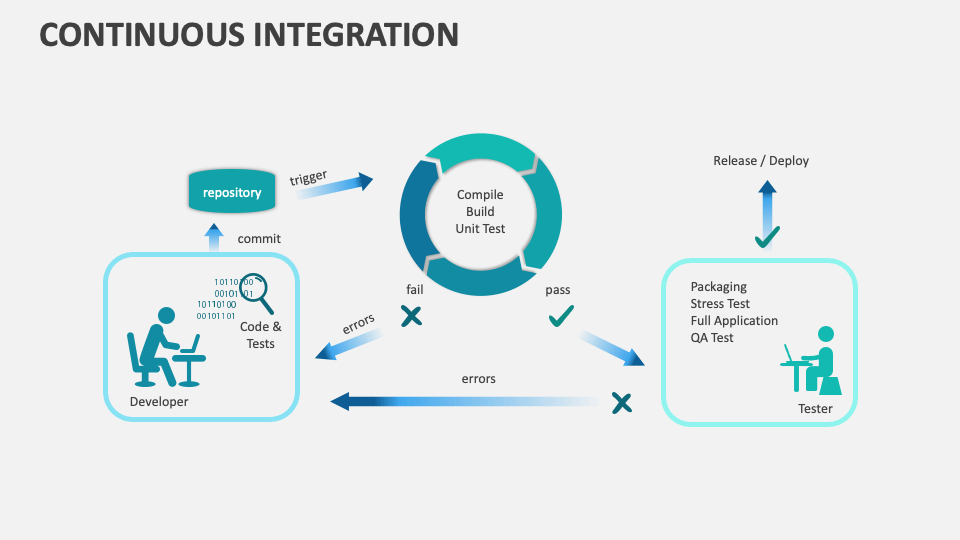
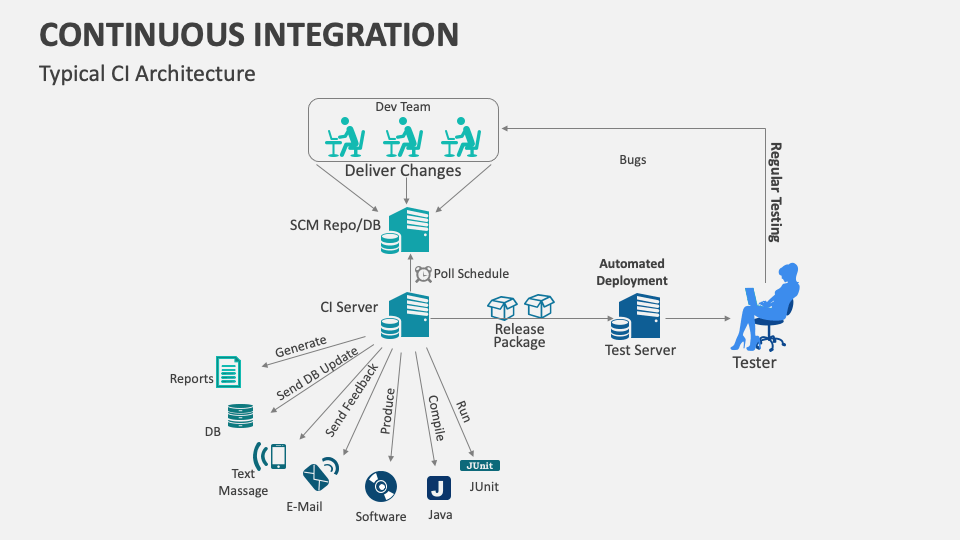
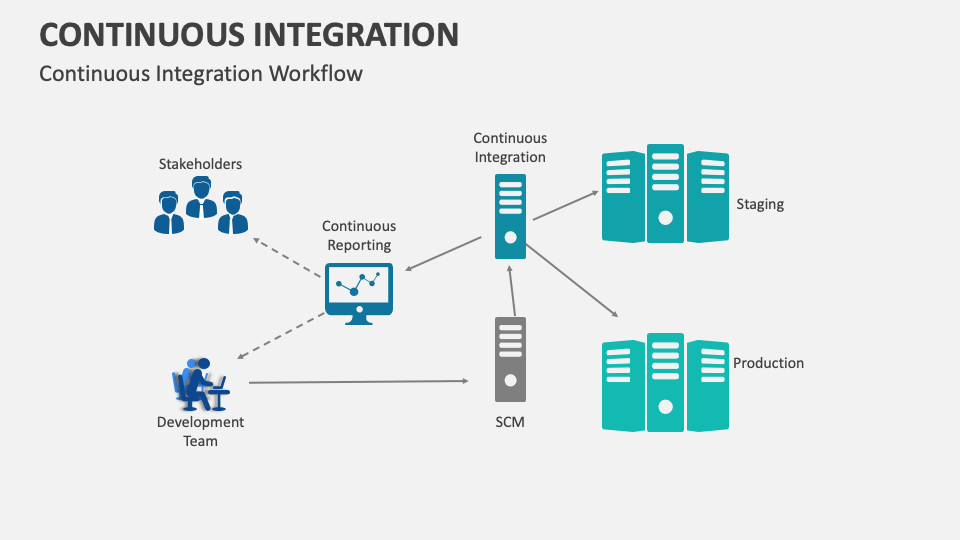
Software developers and project managers can make the most of this set to depict the typical architecture and workflow of a continuous integration process. You can make the most of this set to explain how this process facilitates early bug detection, enhances code stability, accelerates development cycles, and fosters a culture of teamwork. Additionally, you can depict the advantages and disadvantages of this approach.