




Course Icons
In stock
$5.00
item details (1 Editable Slide)
- Applications Supported: PowerPoint, Google Slides
- File Type: .pptx, Google Slides
- Aspect Ratio:16:9 (Wide Screen)
- Animation: No
Course Icons
Course Icons
(1 Editable Slide)
Related Products






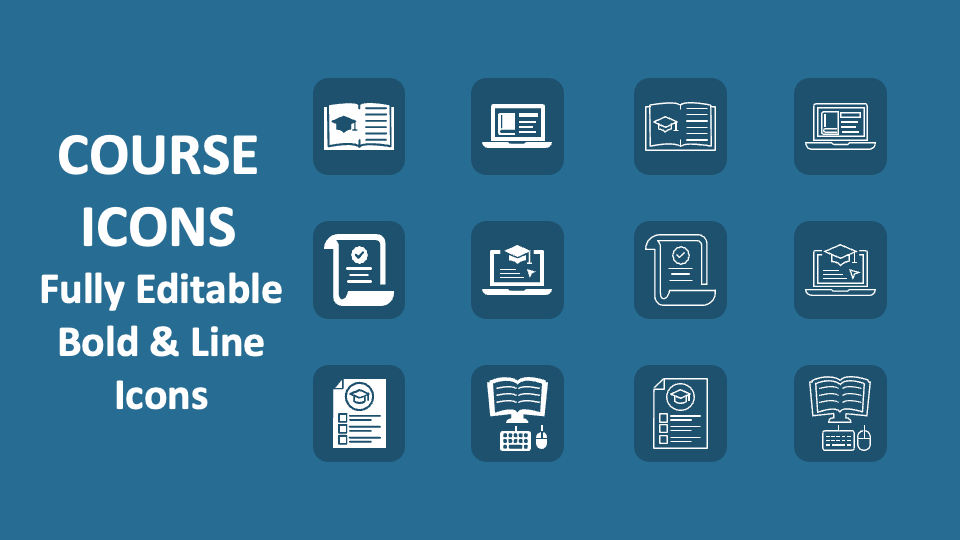
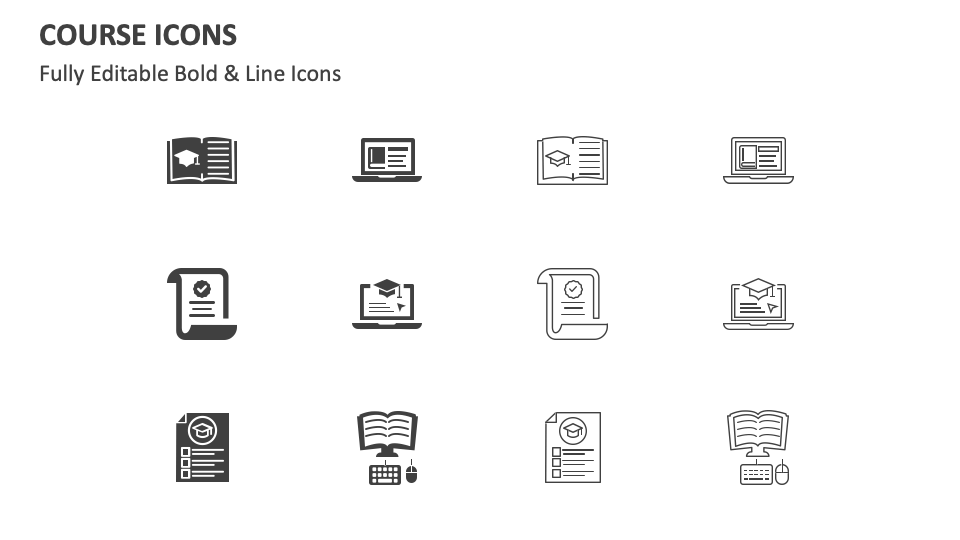
Download our Course Icons for MS PowerPoint and Google Slides to increase the effectiveness of content related to types of curriculum design, the key elements of a highly effective course planning approach, and more. The slide comes with icons of a document on a computer screen, a graduation cap on a book, etc.
Educators and college professors can make the most of this icon set to complement text about the course offered to students from different streams or grades. Include these icons in your slides to support text about the differences between online and offline courses. You can also add meaning to content about the importance of incorporating student feedback into course design for continuous improvement and relevancy. You can add visual interest to your content about the timeline for completing a specific course.