




In-Progress Icons
In stock
$5.00
item details (1 Editable Slide)
- Applications Supported: PowerPoint, Google Slides
- File Type: .pptx, Google Slides
- Aspect Ratio:16:9 (Wide Screen)
- Animation: No
In-Progress Icons
In-Progress Icons
(1 Editable Slide)
Related Products






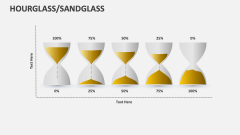




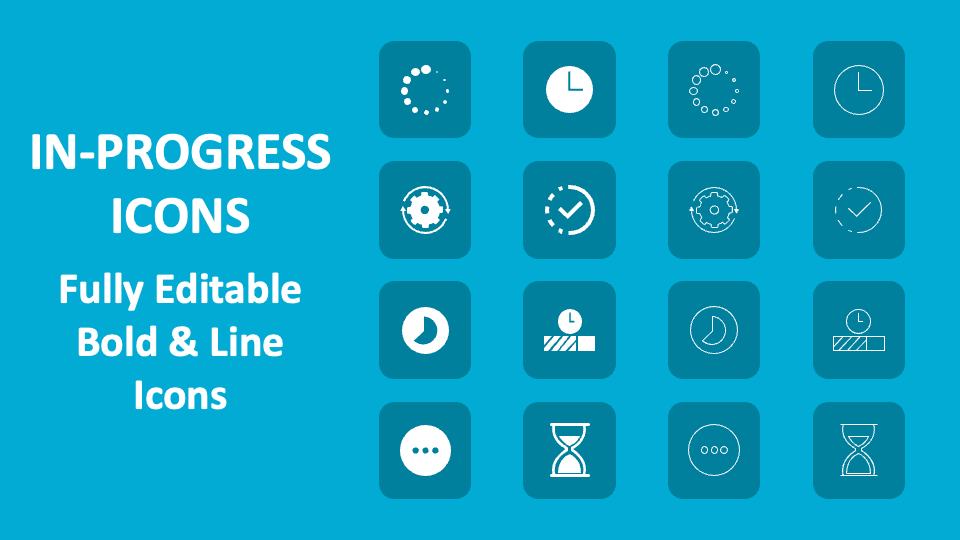
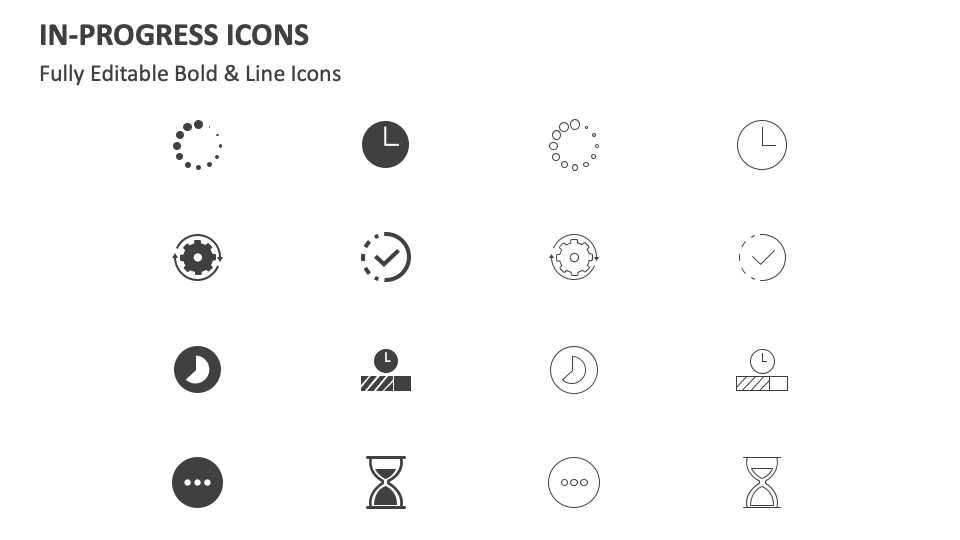
Download our In-Progress Icons for MS PowerPoint and Google Slides to contextualize content about the status of the assigned activities, strategies for completing tasks within the stipulated deadline/time frame, and more. The slide comes with icons of a clock, a cogwheel with a circular arrow, a sand timer, etc.
Project heads can make the best use of these amazing icons to complement text about the progress of different project goals to their team members. Sales executives can include these self-explanatory icons in their slides to complement textual information related to the progression toward sales targets. Senior managers can use this icon set to visually reinforce their text about the strategies for managing multiple in-progress tasks simultaneously.