




Free Keyboard Theme
In stock
$0.00
item details (12 Editable Slides)
- Applications Supported: PowerPoint, Google Slides
- File Type: .pptx, Google Slides
- Aspect Ratio:16:9 (Wide Screen)
- Animation: Yes
Free Keyboard Theme
Free Keyboard Theme
(12 Editable Slides)



Related Products










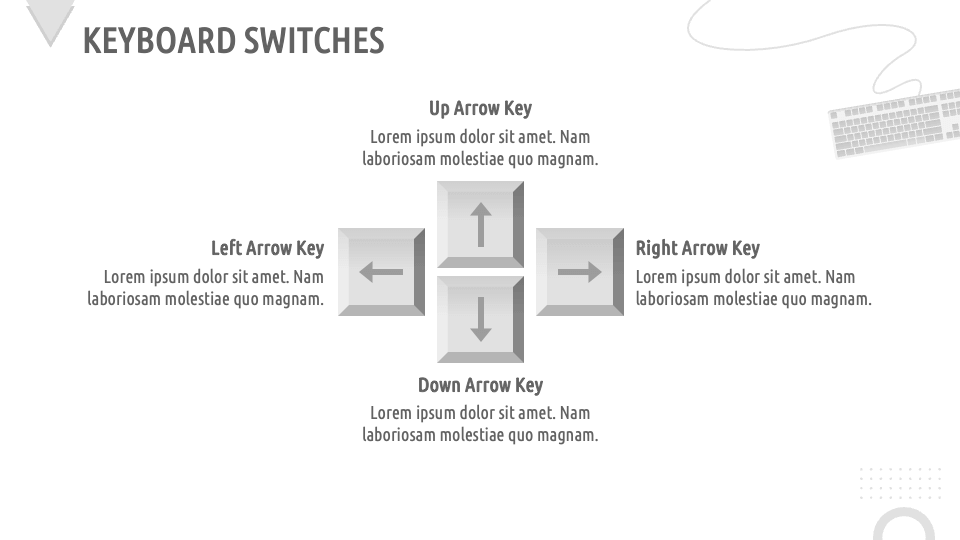
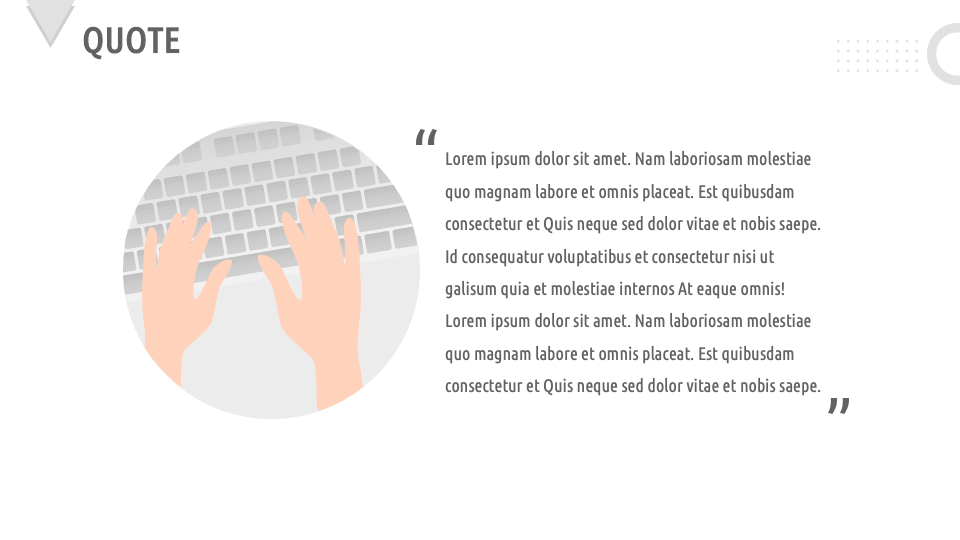
Download our Keyboard Theme for MS PowerPoint and Google Slides to illustrate the usages of keyboards, features and functionalities of different keyboards, differences between mechanical and membrane keyboards, future developments in keyboard technology, and more. You can also visualize the changes in keyboard layouts, such as the transition from QWERTY to alternative layouts like Dvorak and Colemak.
Sales heads and retailers can showcase various types of keyboards they offer to the customers. Technology experts can shed light on the role and functionality of virtual keyboards in modern devices, including touchscreen interfaces and software keyboards. Educators and tutors can demonstrate the importance and methods of teaching typing skills to students in the digital age. Ergonomists can highlight the design and benefits of ergonomic keyboards for reducing strain and improving typing comfort. You can depict how keyboard shortcuts enhance productivity in various software applications and operating systems.