




Process Icons
In stock
$5.00
item details (1 Editable Slide)
- Applications Supported: PowerPoint, Google Slides
- File Type: .pptx, Google Slides
- Aspect Ratio:16:9 (Wide Screen)
- Animation: No
Process Icons
Process Icons
(1 Editable Slide)
Related Products

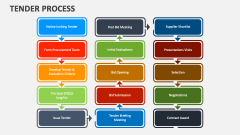
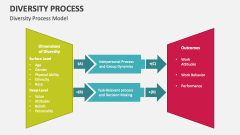
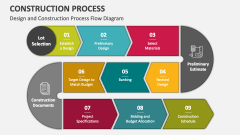
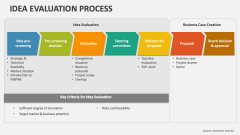

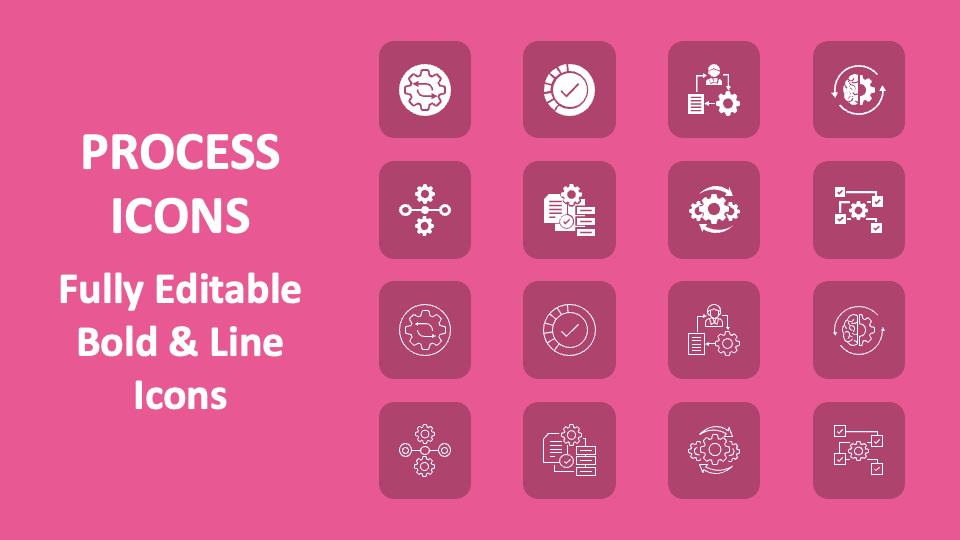
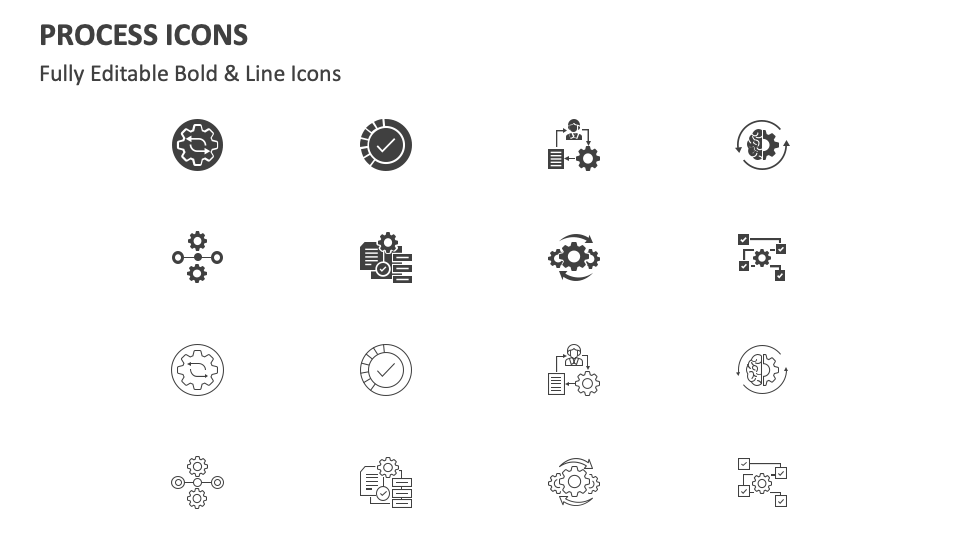
Using Process Icons in your MS PowerPoint and Google Slides presentations, you can effectively showcase the stages or steps involved in a process. The slide is loaded with icons of gear with arrows pointing in opposite directions, three gears with two arrows, a man with a document and a gear, etc.
Business leaders and project managers can leverage the icons to visually represent steps to perform a process, steps to efficient process automation, etc. Quality control specialists can use these icons in their slides to illustrate the different stages of the quality control and progress tracking process. Sales and marketing professionals can use the icons to help their audience understand the key processes and tasks of the sales funnel.