




Question and Answer Icons
In stock
$5.00
item details (1 Editable Slide)
- Applications Supported: PowerPoint, Google Slides
- File Type: .pptx, Google Slides
- Aspect Ratio:16:9 (Wide Screen)
- Animation: No
Question and Answer Icons
Question and Answer Icons
(1 Editable Slide)

Related Products





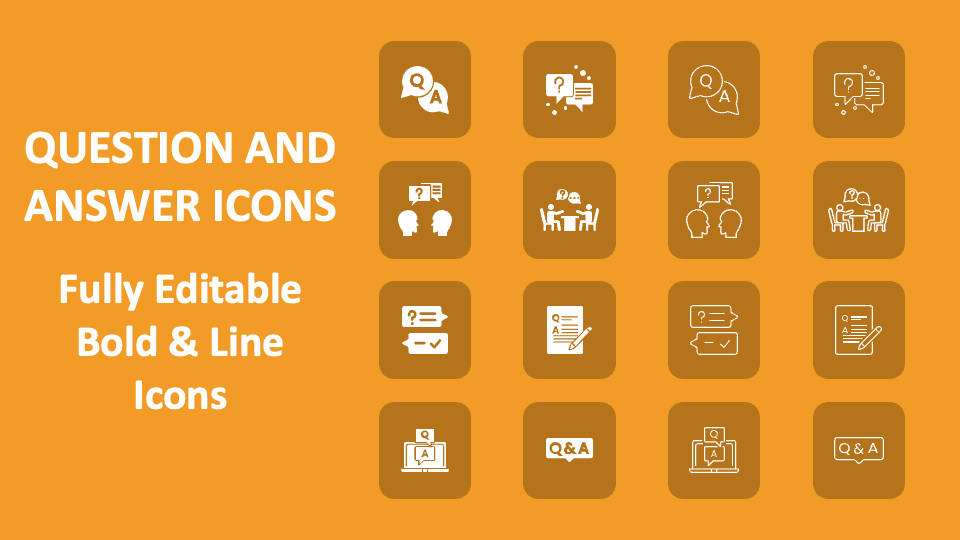
Download our Question and Answer Icons for MS PowerPoint and Google Slides to complement text about the tips for answering the questions asked in an interview, how to deal with difficult or unexpected questions during Q&A sessions, etc. The slide comes with icons of a document with a pen, call-out boxes with Q&A text, etc.
Business professionals can utilize this icon set to augment the meaning of text about the strategies and best practices for handling Q&A sessions in business settings. Customer support and relationship managers can use these icons to contextualize content about tips to respond to common clients’ questions and queries confidently. Educators can give context to presentations related to techniques for formulating effective questions, the role of questioning in expanding knowledge across various subjects and disciplines, etc. You can also add meaning to content about the importance of analyzing the questions asked during Q&A sessions to gain valuable insights.