




UI (User Interface) Icons
In stock
$5.00
item details (1 Editable Slide)
- Applications Supported: PowerPoint, Google Slides
- File Type: .pptx, Google Slides
- Aspect Ratio:16:9 (Wide Screen)
- Animation: No
UI (User Interface) Icons
UI (User Interface) Icons
(1 Editable Slide)
Related Products




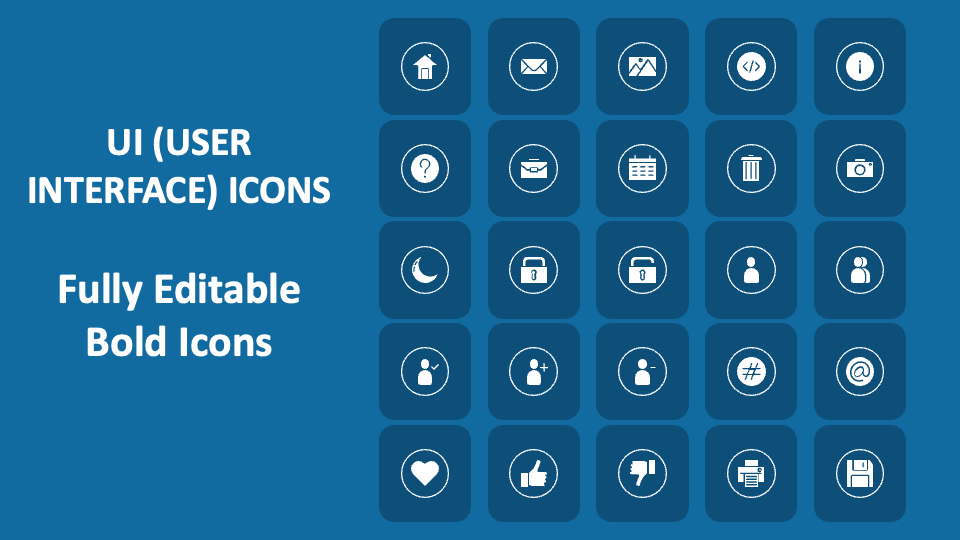
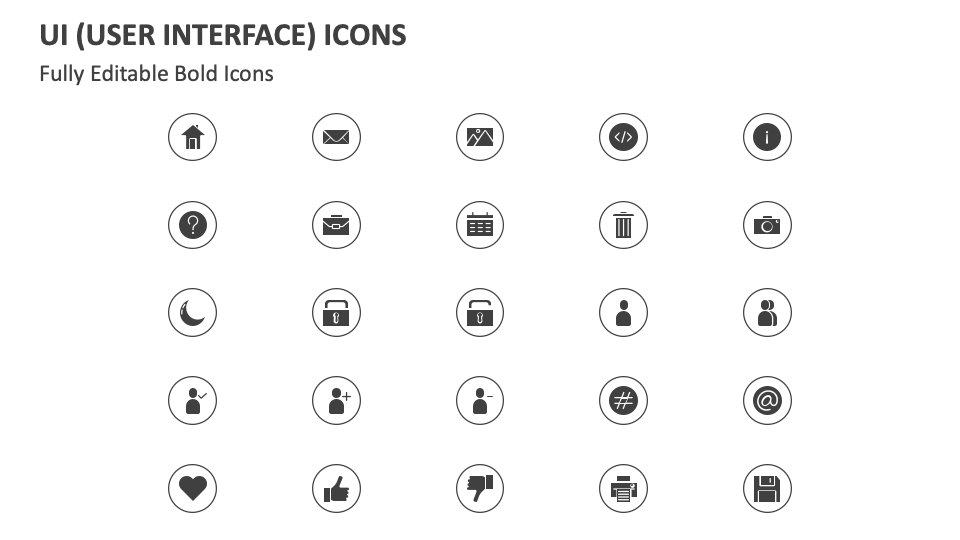
Harness our UI (User Interface) Icons for MS PowerPoint and Google Slides to add meaning to content regarding the history and principles of UI design, the differences between UI and UX (User Experience) design, and more. The slide is filled with icons of a thumbs-up sign, a heart, a half moon, a briefcase, etc., inside a circle.
UI developers can use this icon set to accentuate content about the core principles of UI design, the latest UI design trends, the role of color theory in UI design, and more. Career counselors can add meaning to text regarding the skills and qualifications needed to become a UI designer. You can also contextualize the content related to the popular UI design tools and how they are used to create prototypes and wireframes.