




Compare Icons
In stock
$5.00
item details (1 Editable Slide)
- Applications Supported: PowerPoint, Google Slides
- File Type: .pptx, Google Slides
- Aspect Ratio:16:9 (Wide Screen)
- Animation: No
Compare Icons
Compare Icons
(1 Editable Slide)
Related Products



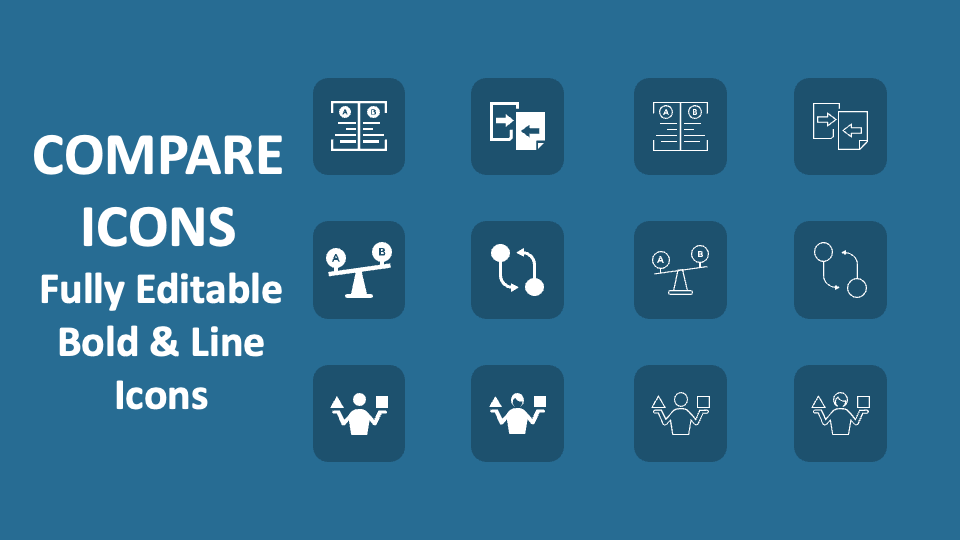
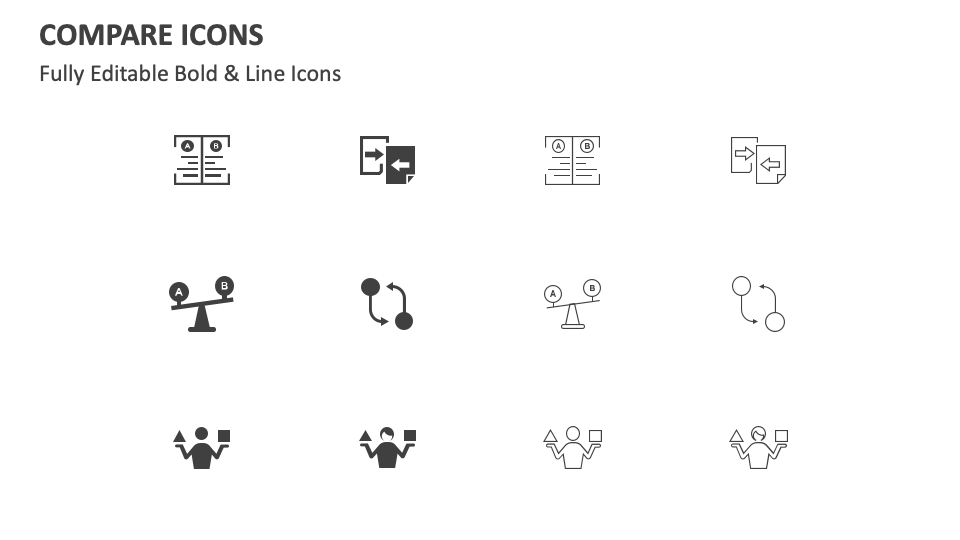
Download our Compare Icons for MS PowerPoint and Google Slides to provide an additional layer of comprehension to your textual content without investing much time and effort. The slide features icons of a seesaw with letters A and B on the sides, a figure holding a square and a triangle, and more.
HR heads can use these icons to complement text regarding the pros and cons of in-office work and remote work. Marketing professionals can include these icons in their slides to underscore content about how their products and services differ from competitors' offerings. Sales heads and customer success managers can leverage this icon set to focus the audience’s attention on text about the advantages and disadvantages of shopping online compared to visiting brick-and-mortar stores.