




Hired Icons
In stock
$5.00
item details (1 Editable Slide)
- Applications Supported: PowerPoint, Google Slides
- File Type: .pptx, Google Slides
- Aspect Ratio:16:9 (Wide Screen)
- Animation: No
Hired Icons
Hired Icons
(1 Editable Slide)

Related Products











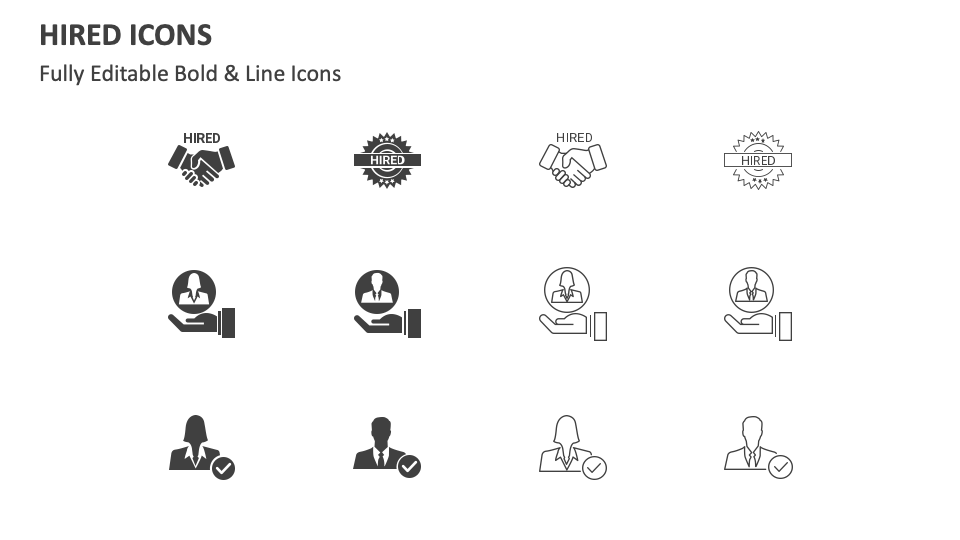
Download our Hired Icons for MS PowerPoint and Google Slides to visually strengthen the relevant content and make your slides appear clutter-free. The PPT comprises icons of a medal with the text ‘HIRED’ on it, a handshake with the text ‘HIRED,’ and more.
HR heads and talent acquisition managers can utilize this icon set to add meaning to content about the key skills and qualifications of hired candidates. Industrial trainers can use these icons to support information about the factors that lead to hiring biases, how these biases prevent talented and suitable candidates from getting recruited, how to design effective training programs for the hired candidates, etc. You can complement information related to the stages of the hiring process, how technology is transforming the hiring landscape, the roles and responsibilities of the hiring team, and more.